Secure File Uploads: What Most Developers Get Wrong
A practical guide to locking down upload endpoints in Node.js apps
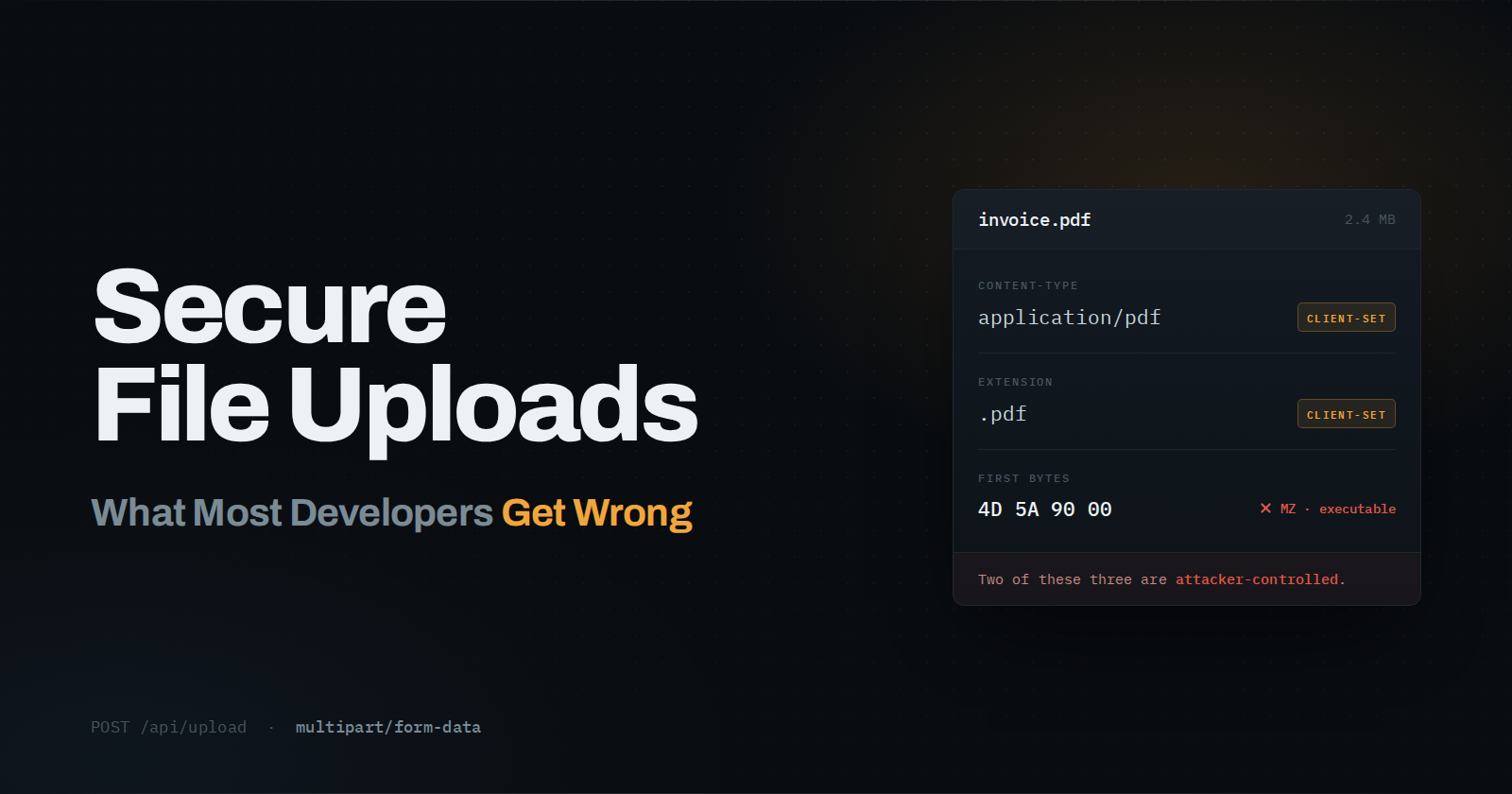
File upload features feel simple to build. A user picks a file, your server saves it, done. But upload endpoints are one of the most common ways attackers get a foothold in a web app.
Here's how to lock yours down, using a typical Node.js/Express stack as the example.
TL;DR
Validate files by content signature, not extension or MIME header
Cap file size at the middleware layer
Rename files server-side, never reuse client input
Store outside the web root or in access-controlled object storage
Scan for malware before files are usable
Re-encode images rather than storing the raw upload
1. Never Trust the File Extension or MIME Type
A file named photo.jpg can still be a PHP script or executable. Browsers send the Content-Type header based on the extension, and attackers can set that header to whatever they want.
Instead, check the file's actual content (its "magic number" or byte signature) rather than trusting metadata.
import { fileTypeFromBuffer } from 'file-type';

const buffer = await file.arrayBuffer();
const type = await fileTypeFromBuffer(Buffer.from(buffer));

if (!type || !['image/jpeg', 'image/png'].includes(type.mime)) {
  return res.status(400).json({ error: 'Invalid file type' });
}
2. Enforce Strict Size Limits
Unbounded uploads are a denial-of-service vector; a single request can fill your disk or memory. Set limits at the middleware level, not just in your frontend form.
import multer from 'multer';

const upload = multer({
  limits: { fileSize: 5 * 1024 * 1024 }, // 5MB
});
3. Generate Your Own Filenames
Never use the client-supplied filename as-is. It can contain path traversal sequences (../../etc/passwd) or characters that break your filesystem or storage bucket.
import { randomUUID } from 'crypto';
import path from 'path';

const safeName = `${randomUUID()}${path.extname(originalName)}`;
4. Store Uploads Outside the Web Root (or in Object Storage)
If uploaded files live in a publicly served directory, an attacker who sneaks in an executable script could get it run directly. Store files in a location the server doesn't execute, or better, in object storage like S3, with public access disabled by default and signed URLs for retrieval.
Tip: Treat every uploaded file as untrusted content until proven otherwise, the same way you'd treat user input in a form field.
5. Scan for Malware Before Files Touch Production
Even with type-checking, a valid image can carry embedded exploits (e.g. malformed EXIF data). Running uploads through a scanner like ClamAV, or a managed service such as AWS's file scanning integrations, adds a real safety net.
import { exec } from 'child_process';

exec(`clamscan ${filePath}`, (err, stdout) => {
  if (stdout.includes('FOUND')) {
    // quarantine or delete the file
  }
});
6. Re-encode Images Instead of Trusting Them As-Is
For image uploads specifically, running the file through a library like sharp to resize or re-encode it strips out most embedded payloads, since you're regenerating the pixel data rather than passing through the original bytes.
import sharp from 'sharp';

await sharp(inputBuffer)
  .resize(1200, 1200, { fit: 'inside' })
  .toFile(outputPath);
Wrapping Up
None of this is exotic. It's a handful of small habits that close off one of the most exploited entry points in web apps, and they take less time to implement than the incident response that follows skipping them.
Found this useful? Drop a comment with how you handle uploads in your stack, I'd love to compare notes.